Getting Started
Welcome to ren., your AI-powered learning companion. ren. is where you'll receive assignments from your teachers, submit your work, and get detailed, personalised feedback on everything you turn in.
What Makes ren. Different
Unlike traditional feedback that often comes weeks after you hand in your work, ren. marks your submissions almost instantly. You don't just get a score — you get paragraph-by-paragraph feedback tied to your teacher's marking criteria, so you know exactly what to improve and how. You can even ask the AI follow-up questions about any piece of feedback you receive.
What You Need
To use ren., you'll need:
- An invite email from your teacher
- A school email or Google account to sign up with
Joining Your Teacher's Class
Your teacher will send you an invitation email that looks like this:
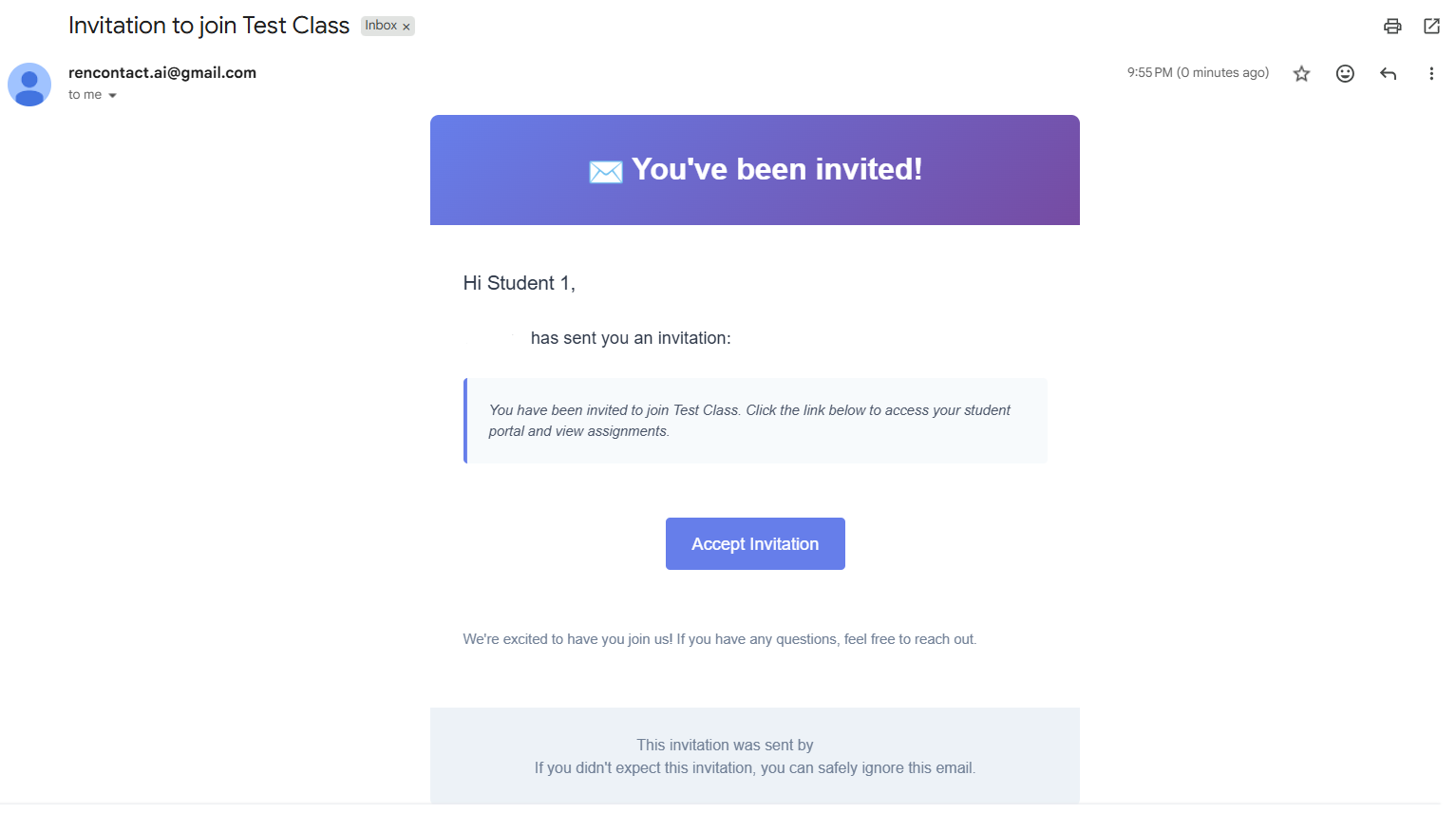
- Open the email and click the
Accept Invitationbutton - Sign up with your school email or Google account — or sign in if you already have a student account
- You'll be added to your teacher's class automatically
Finding Your Way Around
The left sidebar is your map to everything in ren.:
- Dashboard — your central hub for assignments and feedback
- Classes — expands to show each class you're enrolled in. Inside a class, you'll find:
- Assignments — every assignment for that class
- Resources — files your teacher has shared
- Lessons — lesson content organised by topic
You're all set — explore the other pages to see what you can do.