Settings
The Settings page contains options for exporting submissions, choosing an AI model, and uploading your organisation's branding.
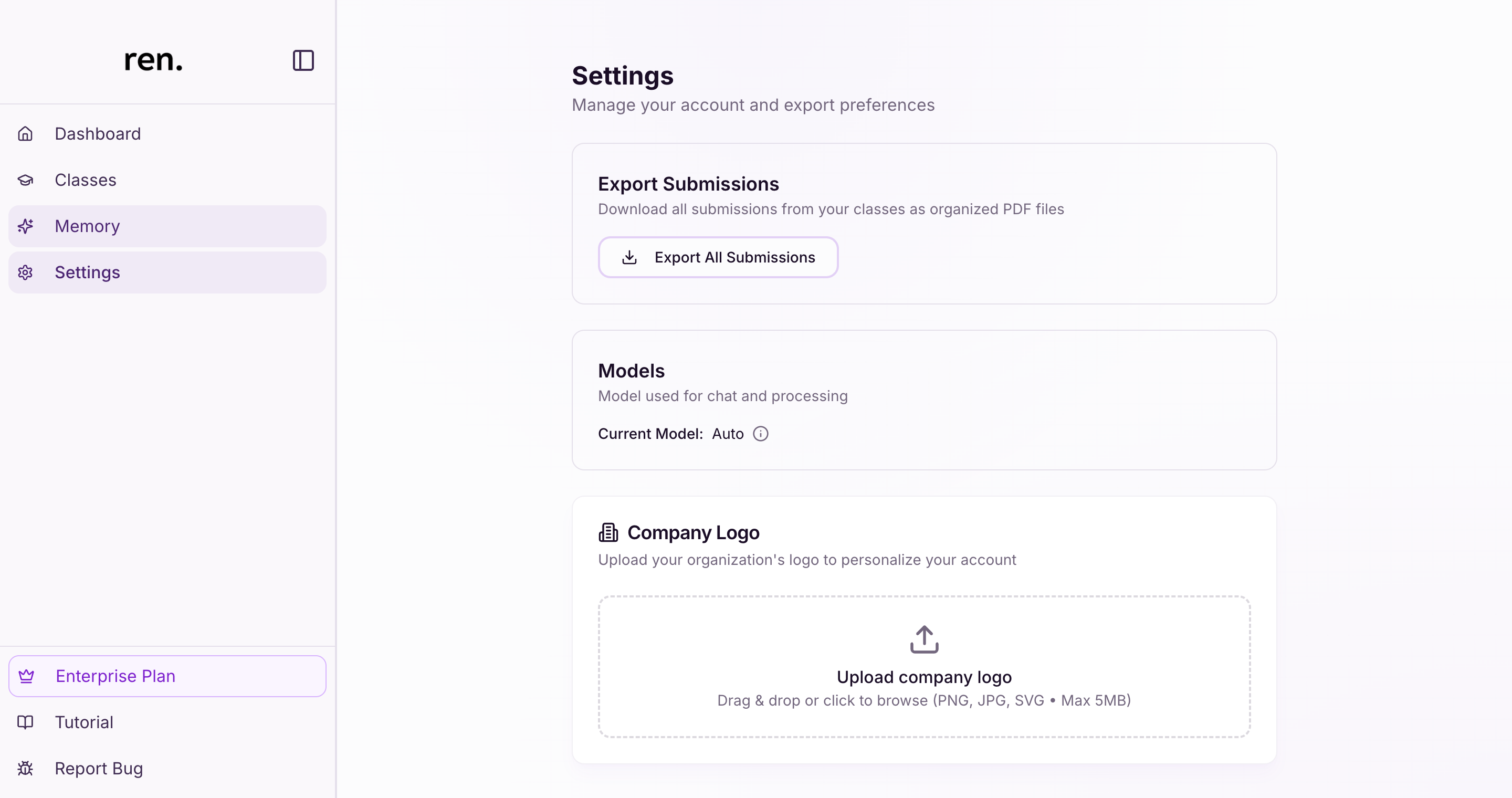
Export Submissions
The Export Submissions section lets you download all submissions from your classes as a set of organised PDF files.
- Click
Export All Submissionsto generate a bulk export - The download is packaged as a ZIP file containing PDFs for each submission, organised by class and assignment
AI Model Selection
The Models section shows the AI model currently being used for chat and submission processing.
- Current Model displays the active model (e.g.
Auto) - The
Autosetting lets ren. select the most appropriate model for each task automatically
Company Branding
The Company Logo section lets you upload your organisation's logo to personalise your ren. account.
- Click the upload area or drag and drop a file to upload a logo
- Supported formats: PNG, JPG, SVG
- Maximum file size: 5MB
Relevant Guides
- Creating a ClassSet up your first class and add students
- AssignmentsCreate assignments and configure grading settings